Getting started
Create your league
A league in RotoAlpha lives on year after year. Each year inside it is a season, and a season holds that year's managers, settings, draft and standings. You create the league once and add a season for every year you want to record.
Create the league
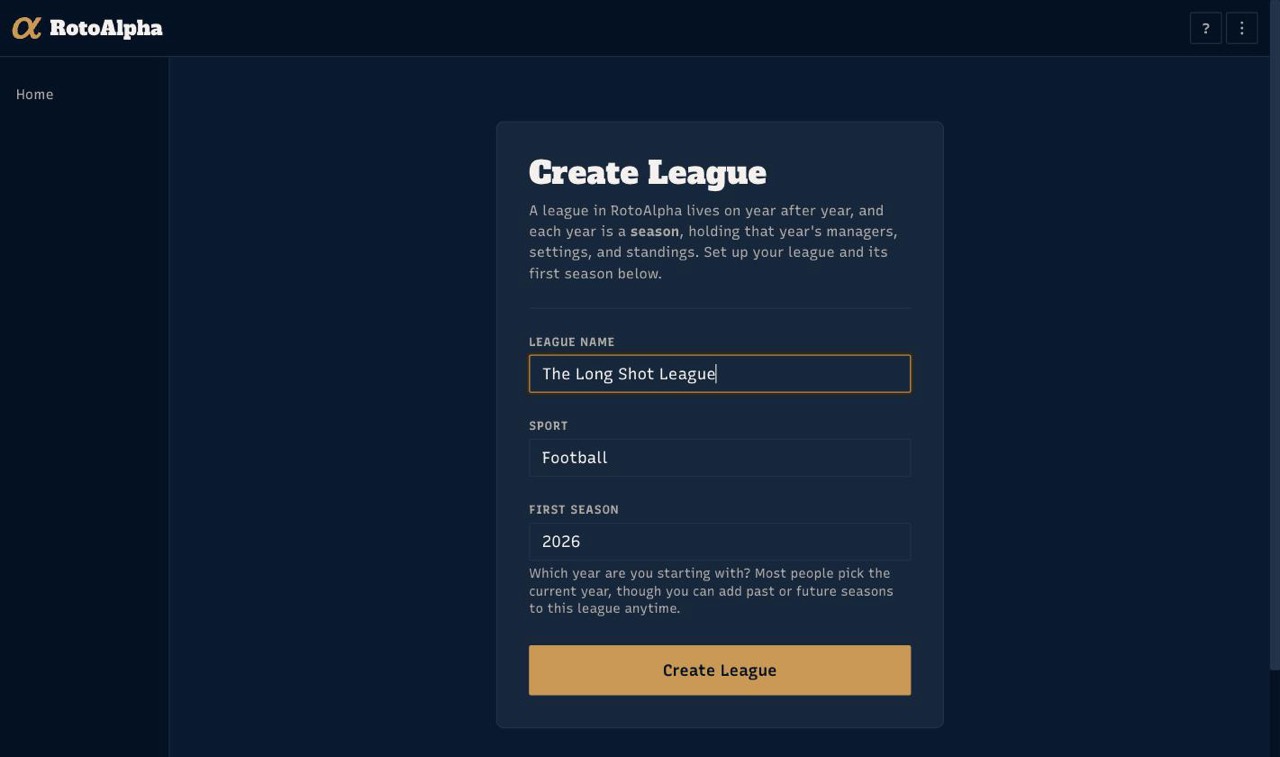
From your home page, choose Create League. Three things are asked:
- League name. Whatever your league is actually called.
- Sport. Football or baseball. With a season pass the sport is fixed to the one your pass covers and shown as locked.
- First season. The year you are starting with. Most people pick the current year. You can add past or future seasons to the same league at any time, so this is not a decision you are stuck with.
Choose Create League and you land straight in the setup wizard for that first season.
How many leagues can I have? On the free tier, one league per sport. With a season pass, three per sport.
What the setup wizard asks
The wizard asks one question per screen and branches on your answers, so you will not see every screen listed here. Anything you answer can be changed later under Settings, and progress is saved as you go: if you close the tab partway through, you come back to the question you left on.
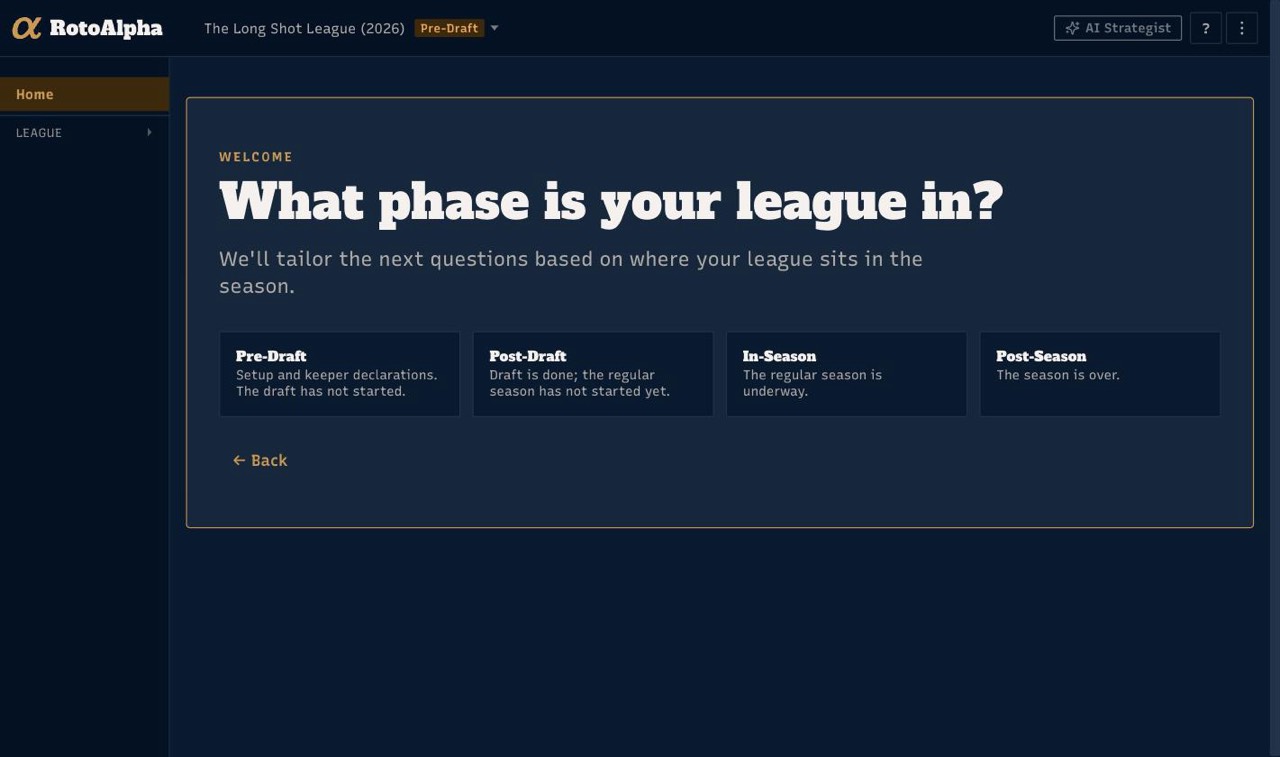
What phase is your league in? Pre-draft, post-draft, in-season or post-season. This decides which questions are worth asking, and it prunes the wizard hard: a post-draft season is never asked about draft order, because that ship has sailed. A season you are entering purely as history is usually post-season; a season you are about to draft is pre-draft.
How many teams are in your league? Used to size the auction budget default, the draft order, and roster-depth suggestions later in the wizard.
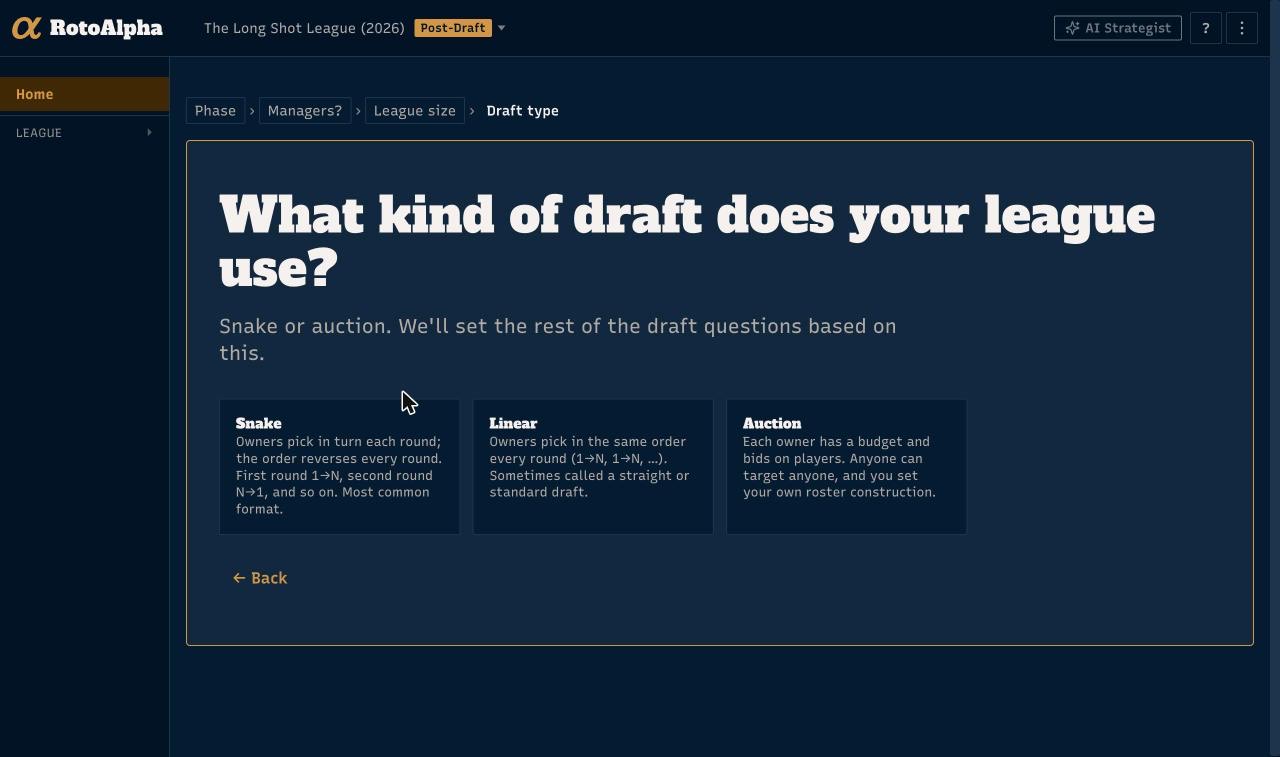
What kind of draft does your league use? Snake, linear, or auction. Snake reverses the order every round; linear keeps the same order every round (sometimes called a straight draft); auction gives every manager a budget to bid with. This is the biggest branch in the wizard: an auction league is asked for its budget next, and the other two skip that.
How does your league carry players over? Whether you have keepers, a dynasty setup, or neither. Say yes to keepers and you are asked how keeper cost is determined and then for the keeper rules themselves: how many each manager may keep, the discount or price change that applies, the minimum price, and how many years a player may be kept. Auction leagues get the auction-shaped version of the cost question.
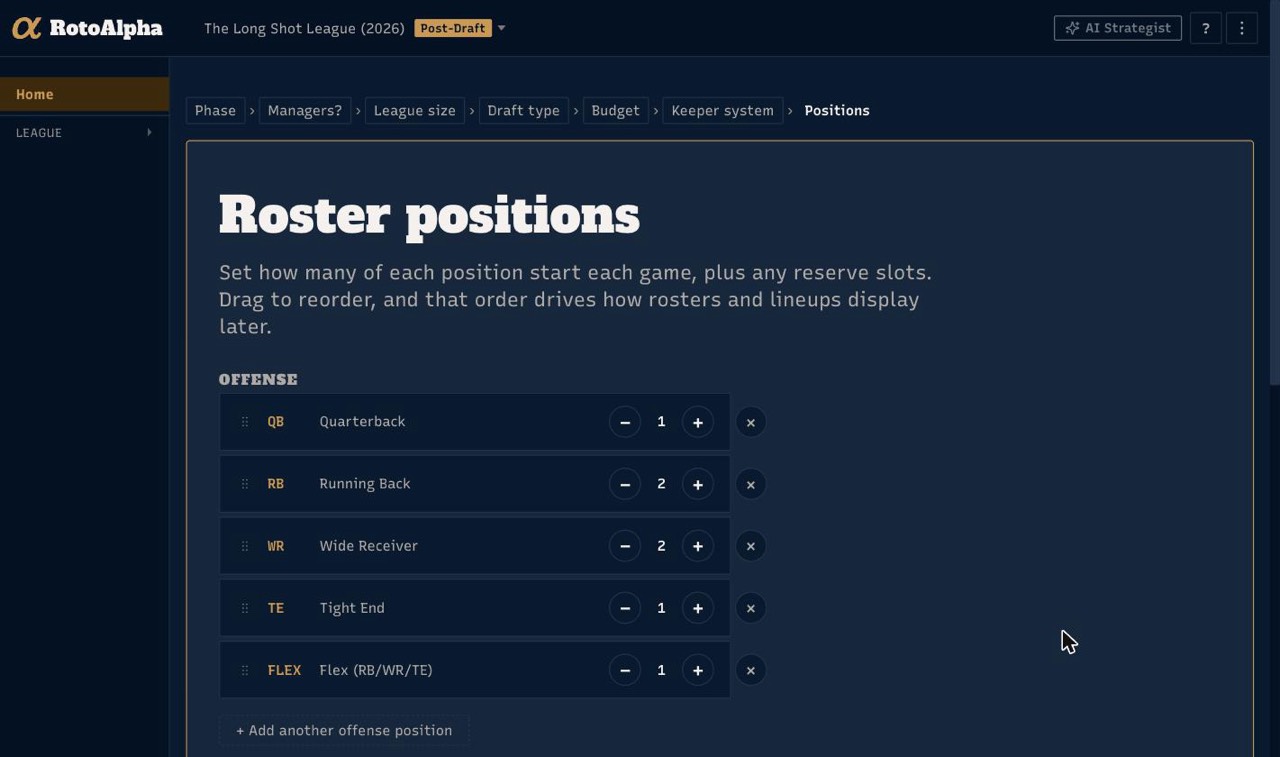
Roster positions. How many of each position start each game, plus any reserve slots. Drag to reorder, and that order is how rosters and lineups display later. Getting this right matters more than it looks: roster shape is what makes a position scarce, and scarcity is most of what drives a player's value in your league.
Baseball leagues get one extra question here, what's the player pool, which sets which players are eligible.
How does your league score? Head-to-head points, head-to-head categories, head-to-head one win, rotisserie, or season points. A points league then goes on to points per stat; a categories league goes to its scoring categories. This, together with roster positions, is what makes RotoAlpha's values yours rather than generic. You can change it later if your league switches.
How do waivers work? Asked only when the season you are setting up is already in-season, along with the starting FAAB budget for a FAAB league. Waivers do not matter until the games start, so every other phase skips the question. Once your draft is done, the league home page reminds you to confirm the waiver rules, and they are always editable under Settings.
Do you know your league's managers yet? If yes, you go straight to entering them. If not, the wizard asks for the league size instead and you can add managers later.
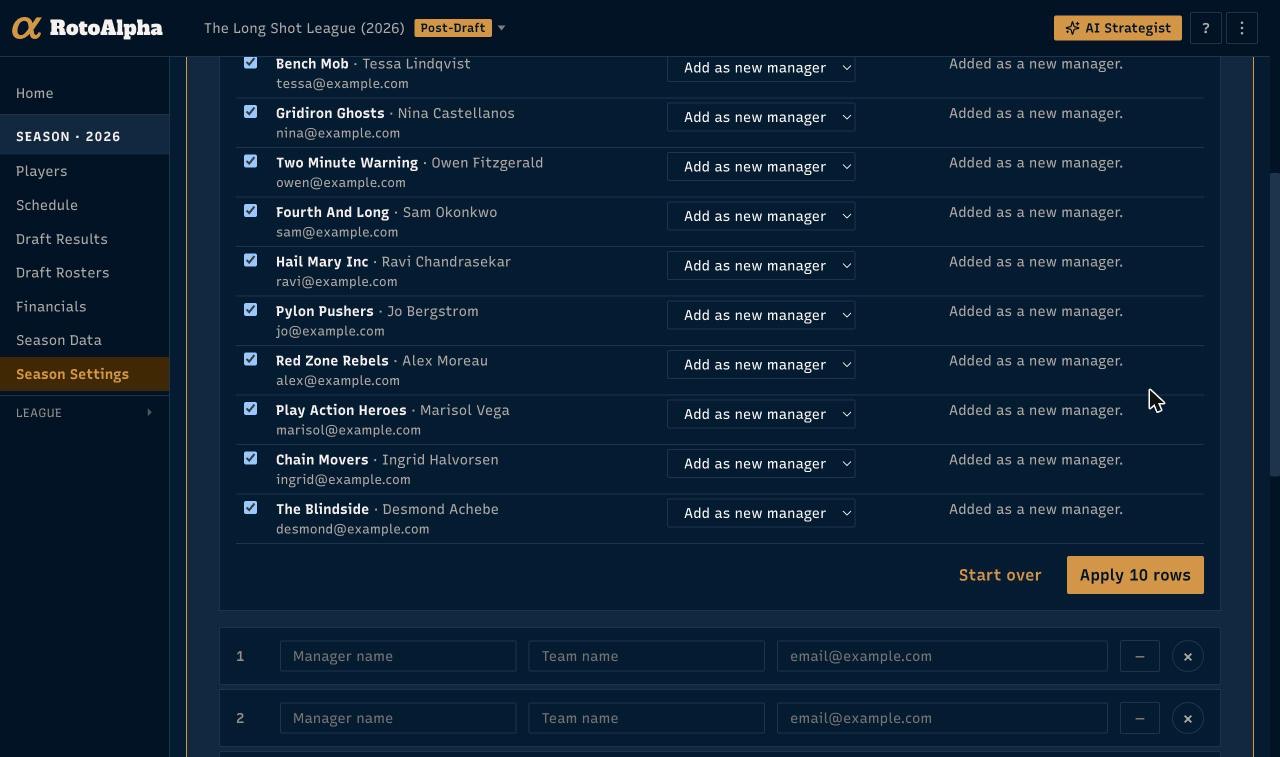
Who's in your league? One row per manager: their name, their team name, and their email if you have it. Type them in, or use Import managers… to paste a block from a list you already keep. Either way you get a row-by-row preview with a checkbox against each one, so you choose what to take before anything changes. Managers are worth doing properly, because draft picks, standings and every rival report hang off these rows.
Draft order. Drag the managers into the order they pick in.
After the wizard
RotoAlpha spends a moment loading the player pool and connecting your default projections, then you land in the league on a short checklist of what is left to do. Follow it down. The Season Checklist page (under this season in the sidebar once setup is done) lists everything a season can carry, in the order it is usually gathered, and marks what is recorded and what is still missing.
From there, the usual next steps are:
- Paste your draft results once the draft is done.
- Import your league's history if you want past seasons in as well. This is the part that makes the rival reports worth reading.